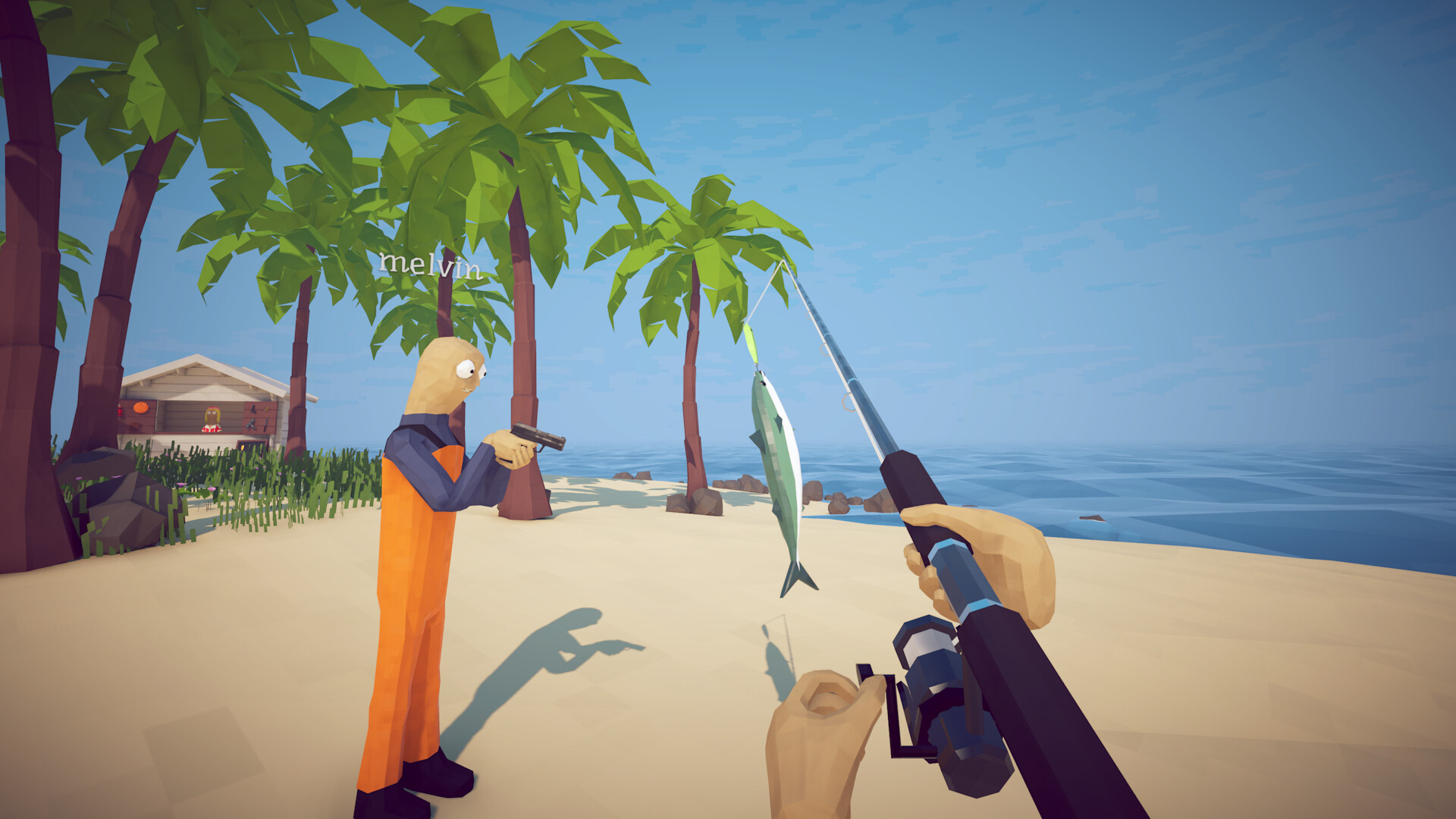
At a glance
Is How to Fish Multiplayer?
Yes. The official Steam listing confirms multiplayer and online co-op, alongside single-player support.
- Mode
- Online co-op
- Current lobby max
- 8 players
- Solo
- Supported
- Private lobby
- Invite-only
01
Can you play How to Fish solo?
Yes. Steam lists both single-player and online co-op, and the official player range includes one player. Patch 1.0.9 also added Easy and Hard settings, so difficulty is a separate choice from whether you play alone.
02
How Many People Can Play How to Fish?
Up to eight players can join one lobby under the current official limit. Dazed Games raised the maximum from four to eight in Patch 1.0.4. The Steam store description still advertises 1–4 players, which is older than that patch note.
Eight players total in a current online lobby, including the host.
03
Does How to Fish Support Online Co-op?
Yes. Online co-op is an official feature. That confirms the mode and player mode. Official patches also confirm private invite-only lobbies, but do not document shared saves, host migration, cross-play, or local split-screen.
Confirmed
- Online co-op is supported.
- Up to eight players are supported after Patch 1.0.4.
- Single-player is also available.
- Private invite-only lobbies are supported.
Not confirmed in this guide
- Shared quest or save progress
- Host migration or dedicated servers
- Cross-play or local split-screen
- Exact Steam Overlay labels on every client
04
How to Start Multiplayer and Invite Friends
Start or host an online session from the current game menu, then choose the session type that fits your group. Patch 1.0.5 confirms that a private lobby is invite-only and that the host can change session type in server settings.
How to Start Multiplayer
- Open the online session or lobby option shown in the current main menu.
- Choose the session type shown in your build; select private when you want invited players only.
- Finish creating the lobby before asking friends to join.
- If you change session type later, restart the session as Patch 1.0.5 requires.
How to Invite Friends
Create a private lobby, then use the invitation control available in the current lobby or Steam interface. A private lobby only accepts invited players. The exact button label can vary with the current build and Steam client, so this guide does not invent a fixed menu path.
- Multiplayer
- The overall game mode
- Online co-op
- Officially supported
- Invite friends
- Host sends access to a private lobby
- Join game
- Guest accepts and connects to that session
05
Having trouble joining friends?
Patch 1.0.4 addressed a black-screen joining problem, and Patch 1.0.9 added a Steam connection indicator for relay failures. There is still no universal fix that is safe to promise for every failed session.
Creator gameplay
Watch a co-op session
KYRSP33DY's launch gameplay is useful for seeing the co-op experience in motion. It is a creator video, not an official troubleshooting guide.